

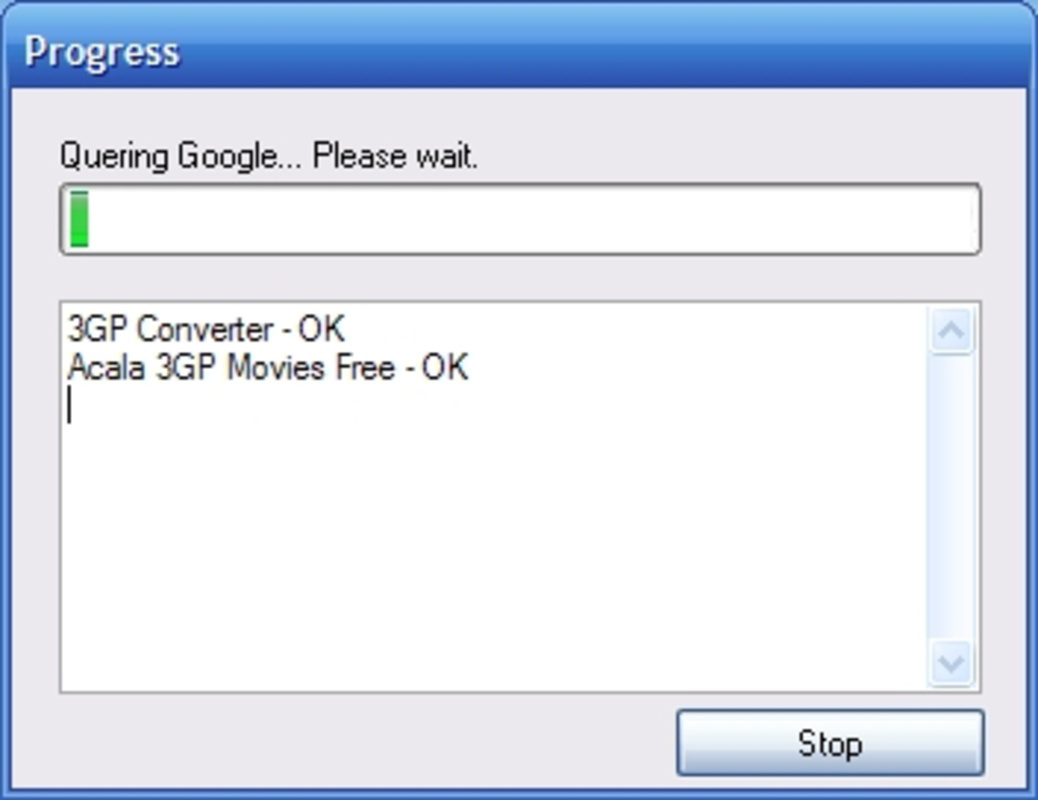


Description
Download Free Monitor for Google – monitor, Google, website, SEO, keyword ranking, search engine, tool, utility, productivity, mobile app
Overview
Free Monitor for Google is a mobile utility designed to assist website owners and SEO professionals in tracking the performance of their websites within Google’s search engine results. The app enables users to input their website URL and target keywords, then monitors how those keywords rank over time. This functionality supports strategic decision-making by revealing shifts in visibility, helping users optimize content and digital marketing efforts. The app is particularly useful for individuals managing multiple websites or those aiming to improve organic search traffic through data-driven adjustments.
Target users include digital marketers, small business owners, bloggers, and SEO practitioners who rely on keyword performance data to refine their online presence. While the developer’s background remains unspecified, the app has been available since 2012, indicating a long-standing presence in the productivity category. Its longevity suggests consistent functionality and user relevance, especially within the niche of mobile SEO monitoring tools. The app serves as a lightweight, on-the-go solution for tracking keyword positions without requiring access to desktop-based analytics platforms.
Real-world use cases include monitoring the impact of content updates, evaluating the effectiveness of backlink campaigns, or identifying underperforming keywords that may need optimization. In the broader app ecosystem, Free Monitor for Google fills a gap for users seeking a dedicated, simple tool for keyword tracking on mobile devices. Despite its age, the app remains relevant due to its focused purpose and minimal resource demands.
Key Features & Functionality
- Keyword Position Tracking: Users can enter multiple keywords and their website URL to monitor how the site ranks in Google search results. The app provides ongoing updates on position changes, helping users assess the impact of SEO strategies over time.
- User-Friendly Interface: Designed with simplicity in mind, the app allows users to input data through a clean, straightforward form. Navigation is minimal, making it accessible even to those unfamiliar with SEO analytics tools.
- Comprehensive Reporting: The app generates reports that display keyword rankings across different search queries. These reports offer a clear overview of which keywords are driving visibility and which may require further attention.
- Position Improvement Insights: By tracking historical data, the app enables users to identify trends in keyword performance. This insight supports informed decisions on content creation, keyword targeting, and optimization tactics.
For example, a blogger updating a post might use the app to verify if the new content improved their ranking for a specific keyword. Similarly, a small business owner could track how local SEO changes affect their visibility in regional searches. The app’s ability to deliver actionable insights directly on a smartphone makes it a practical tool for real-time monitoring and agile strategy adjustments.
Interface, UX & Performance
The app features a minimalist interface with a focus on functionality over visual flair. Users are presented with a simple input form for the website URL and keywords, followed by a results screen displaying rankings. Navigation is linear and intuitive, requiring minimal learning effort. The layout avoids clutter, ensuring that core functions remain accessible without distraction.
Although the developer did not list formal performance metrics, the app’s file size of 10.2 MB suggests a lightweight design optimized for efficiency. It is likely to operate smoothly on a range of Android devices, including older models. Responsiveness appears to be consistent, with quick load times for data retrieval and display. Stability is implied by the app’s long-standing availability, though no user-reported crash data was provided.
Users can expect reliable operation in standard network conditions, with data updates triggered manually or at scheduled intervals. The absence of complex animations or high-resolution graphics contributes to its consistent performance across different device categories. The overall experience prioritizes speed and usability, aligning with its role as a productivity utility.
Platform Compatibility & Technical Requirements
Free Monitor for Google is available exclusively on the Android platform. The current version is 1.2, with a file size of 10.2 MB. The developer did not specify minimum OS requirements or compatibility details beyond the platform. As such, users should verify device compatibility through their app store or testing in advance.
Given the app’s release date in 2012, it may function on older Android versions, but this is not confirmed. Users are advised to check their device’s operating system version and ensure it meets the app’s requirements. No additional permissions or hardware features are known to be required for basic functionality.
Pros and Cons
Pros
- Simple, intuitive interface suitable for beginners and experts alike.
- Lightweight size (10.2 MB) ensures minimal storage impact.
- Free to download and use, with no in-app purchases or subscriptions.
- Specific focus on keyword ranking tracking for Google search results.
- Longevity and consistent availability since 2012 indicate reliability.
Cons
- Developer did not provide detailed technical specifications or OS compatibility.
- No information on update frequency or future development plans.
- Limited to Android; no iOS or other platform availability confirmed.
- Basic design with no advanced analytics or visual dashboards.
- Performance on newer devices or OS versions has not been verified.
FAQ
Is Free Monitor for Google safe to install?
Yes, the app is available through official Android channels and has been in use since 2012. No security risks have been reported by the developer or community.
Can I use this app on iOS devices?
The developer did not specify iOS compatibility. The app is currently available only on Android.
How often does the app update keyword rankings?
Specific update intervals were not disclosed. Users can manually trigger updates to check current rankings.
Does Free Monitor for Google require an internet connection?
Yes, an active internet connection is required to fetch and display current keyword rankings from Google.
Is the app free to use without ads?
The app is listed as free with no in-app purchases. However, the developer did not confirm the presence or absence of advertisements.
Final Thoughts
Free Monitor for Google remains a dependable tool for anyone managing a website’s SEO performance on mobile. Its straightforward design, focus on core functionality, and low resource usage make it a practical choice for monitoring keyword rankings without complexity. While it lacks modern features like automated reporting or visual analytics, its simplicity is its strength—ideal for users who value direct access to essential data.
Despite its age, the app continues to serve its intended purpose effectively. It is especially beneficial for small business owners, bloggers, and digital marketers who need a lightweight, no-frills solution for on-the-go SEO tracking. The fact that it remains free and functional after more than a decade speaks to its enduring utility.
For those seeking a reliable, no-cost tool to monitor Google keyword rankings from their smartphone, Free Monitor for Google delivers consistent value. Download Free Monitor for Google now
Guides & Tutorials for Free Monitor for Google
How to install Free Monitor for Google
- Click the Preview / Download button above.
- Once redirected, accept the terms and click Install.
- Wait for the Free Monitor for Google download to finish on your device.
How to use Free Monitor for Google
This software is primarily used for its core features described above. Open the app after installation to explore its capabilities.
User Reviews for Free Monitor for Google 0
No reviews found


